

I
Adventure
Nine classes, real-time combat and a bestiary that grows meaner with every biome. Party up with up to six heroes and push past the last lit road.
 Henceforth
Play now
Henceforth
Play now
Private alpha · v0.21.1.258
A medieval realm that lives in your browser. Carve a road across a continent-sized map, learn spells from painted tomes, master eight trades — then lease a forge, hire a crew and draw the supply lines of an empire. One hero. One shared world.
Three roads, one realm
Henceforth weaves a hero's adventure, a craftsman's patience and a ruler's ambition into one continuous world. What you gather feeds what you build; what you build carries you further.
I
Nine classes, real-time combat and a bestiary that grows meaner with every biome. Party up with up to six heroes and push past the last lit road.
II
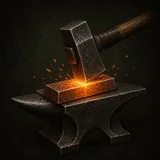
Fell timber, quarry stone, skin, forage and forge — every trade happens right on the world map, wherever the land actually yields it.
III
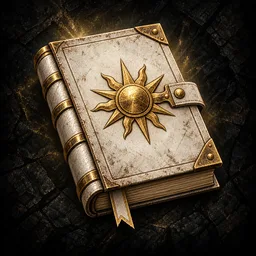
Lease workshops, hire crews, open storefronts and run carts along your own routes. Guilds, kingdoms and campaigns wait for those who climb.
The map is the game
Mountains cast real shadow, forests thicken into wilds, rivers find the sea. Towns, roads and military camps sit where a realm would put them — and every journey happens in the same world as everyone else's.


Travel, gather and fight directly on a living, shaded map of the realm.
Choose who walks the road

School of the Bulwark
The shield that holds the line
Higher health and armor make the opening hours safer. Vanguards brace behind the shield, drag foes into reach with hurled stone and turn every blow back on the one who struck it.
The spellbook
Buy a tome from any town Scribe, read it, and the spell is yours for good. Each one belongs to its calling — only a handful are ever shared — and each asks something of you: a shield in hand, coastal ground underfoot, an enemy you face alone, wounds you are willing to spend.
Beyond the last lit road
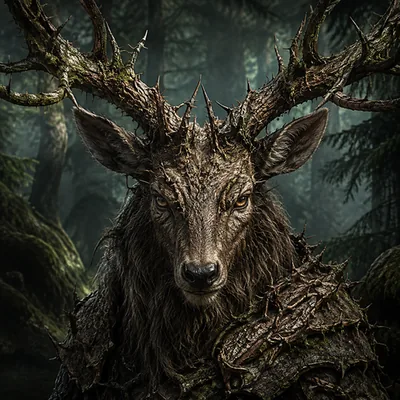
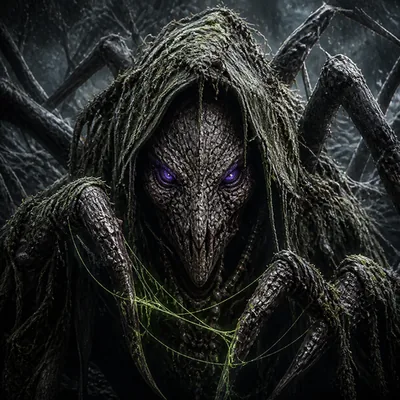
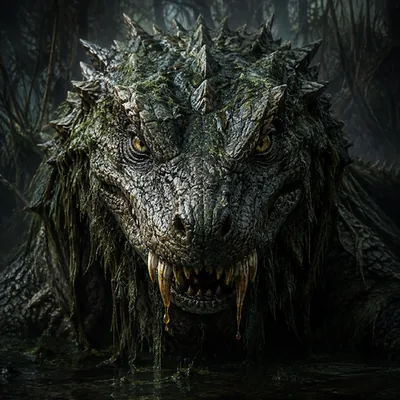
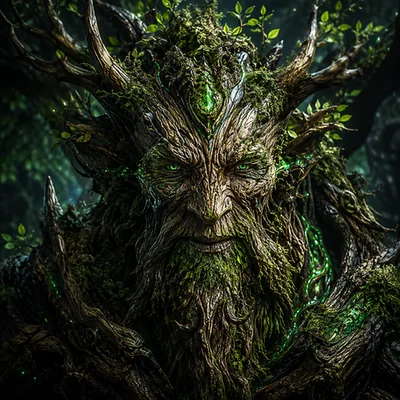
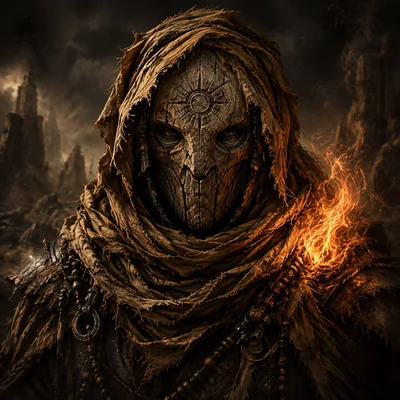
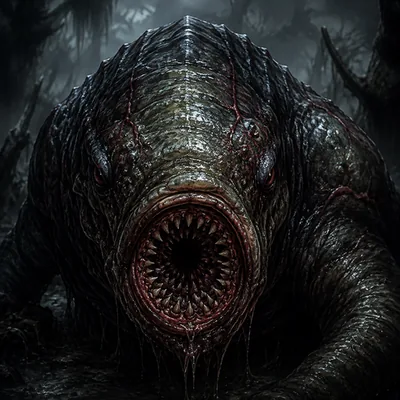
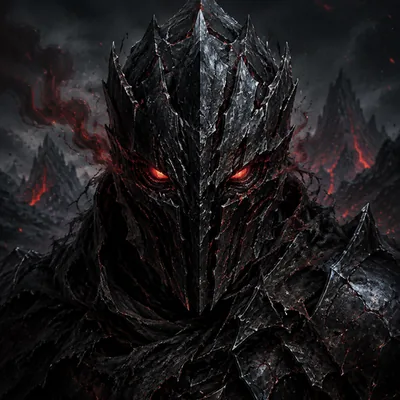
Every biome breeds its own dangers. Forest hexweavers poison, marsh basilisks spit venom, volcanic drakes breathe fire — and the deeper you go, the older and hungrier they get.





Eight trades
Zoom in, right-click an outcrop, a stand of pines or a river bend, and get to work. Better tools reach richer seams and older timber, and the server checks every swing.
 Lumberjacking
 Quarrying
 Angling
 Foraging
 Harvesting
 Skinning
 LeatherworkingForgecraft
From ore to empire
Thirty-two steps take you from a first smelt at the public furnace to a network of leased workshops, paid crews, storefronts and carts running your own delivery routes. Past that: guilds, kingdoms and campaigns.
Take the first stepDig copper, find the public smelter and fire your first bars.
Harvest wheat and let the mill grind it into flour.
Forge a trail knife and stitch a vest yourself.
Lease a smelter, renovate it and stock your own shelves.
Hire a local and work the forge shoulder to shoulder.
Hang out a sign, stock the counter and keep the doors open.
Buy a horse at the stables and ride out.
Run carts between your workshops on routes you draw.
The official campfire
Meet fellow travellers, trade stories from the road, share playtest feedback and watch the realm take shape as it is built.
Join the official DiscordFor invited testers
The server keeps your characters and progress. For a personal snapshot, open Characters → Export All Characters at any time.


